

If your Shopify store isn’t visible on social media, it is literally invisible at all. People spend hours on Instagram reels, TikTok trends, or Pinterest boards, so you cannot lose this opportunity to get clients and have to be there, too. But managing multiple social platforms manually? That’s a recipe for burnout.
That’s where social media Shopify apps come in. These tools allow you to automate, manage, and analyze your social media presence directly from your Shopify dashboard. Whether you’re just starting your online store or scaling a 6-figure brand, integrating a social media app for Shopify can be a game-changer.
Let’s take a deep dive into the top-rated, most effective Shopify social media apps that will take your store to the next level in 2026.
Shopify Social Media Apps Comparison Table
App Name | Key Features | Pricing Plans | Rating | Best For |
AutoPost | AI captions, real-time product sync, smart scheduling | - Free: 5 posts/month - Basic: $9.99/month - Advanced: $15.99/month | 4.9/5 | Automation, AI-based content posting |
Outfy | Visual content, GIFs, collages, product videos | - Free: 1 post/day - Starter: $20/month - Pro: $40/month - Ultimate: $70/month | 4.8/5 | Visual brands (fashion, lifestyle, decor) |
Facebook & Instagram by Meta | Official Meta integration, ad campaign management, product sync | - Free to install (Costs tied to ad spend) | 3.6/5 | Facebook & Instagram ads and shops |
Post Studio | Pre-designed templates, automated product posting | - Free: 1 post/day - Pro: $7.99/month - Unlimited: $19.99/month | 4.4/5 | Beginners and low-maintenance social posting |
Auto-publish Pins, track organic/paid reach | - Free to install (Ad costs optional and separate) | 4.2/5 | Long-term traffic via Pinterest | |
Sauce | Shoppable Instagram feed, UGC integration, influencer marketing | - Essentials: $50/month - Standard: $200/month - Prime: $600/month - Enterprise: $2000/month | 4.6/5 | Instagram influencer and content-driven brands |
Best Shopify Social Media Apps (With Pricing & Ratings)
1. AutoPost
AutoPost leads the list as the most intelligent social media app for Shopify. Its AI-based features allow seamless scheduling and automatic publishing across all major platforms, including Facebook, Twitter, Instagram, and LinkedIn.
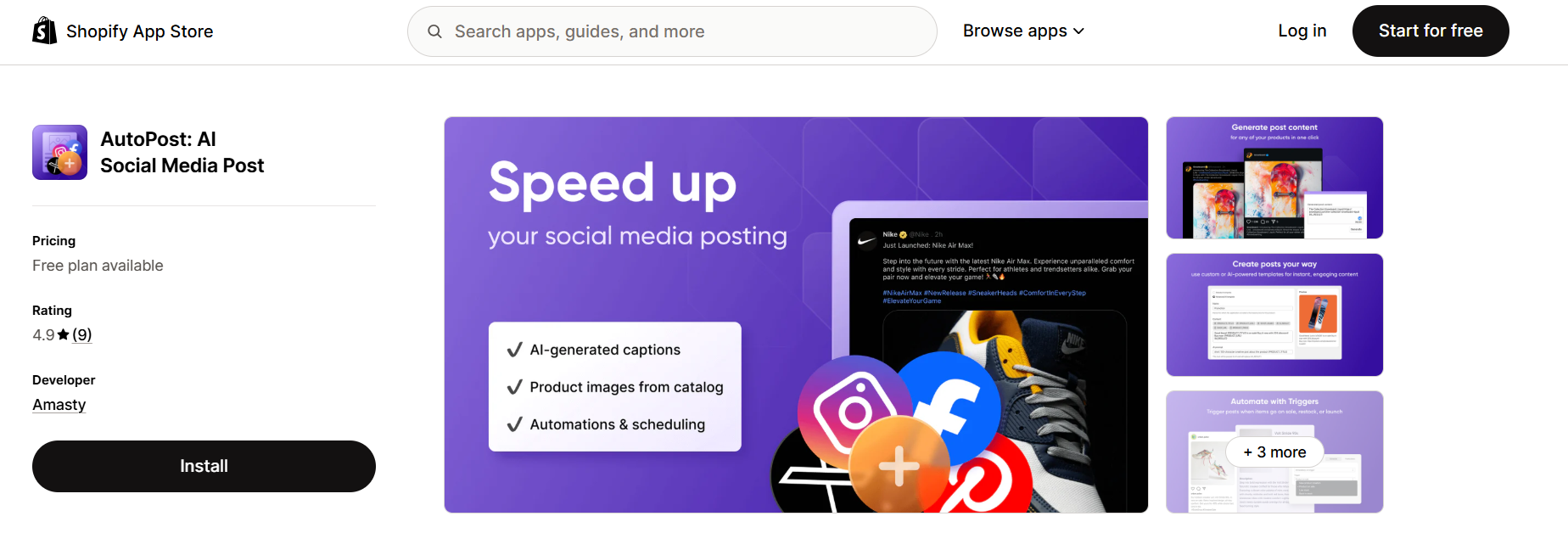
Pricing Plans:
Free Plan – Up to 5 posts/month
Basic – $9.99/month (up to 150 posts)
Advanced – $15.99/month (up to 300 posts)
Rating: ⭐️ 4.9/5
Why it's #1:
Combines AI caption writing, real-time product syncing, and intelligent posting schedules. It’s a complete hands-free Shopify social media app that learns your audience behavior and optimizes accordingly.
2. Outfy
Outfy is perfect for Shopify stores that thrive on eye-catching visual content. It helps you create and schedule engaging GIFs, product collages, and promotional videos.
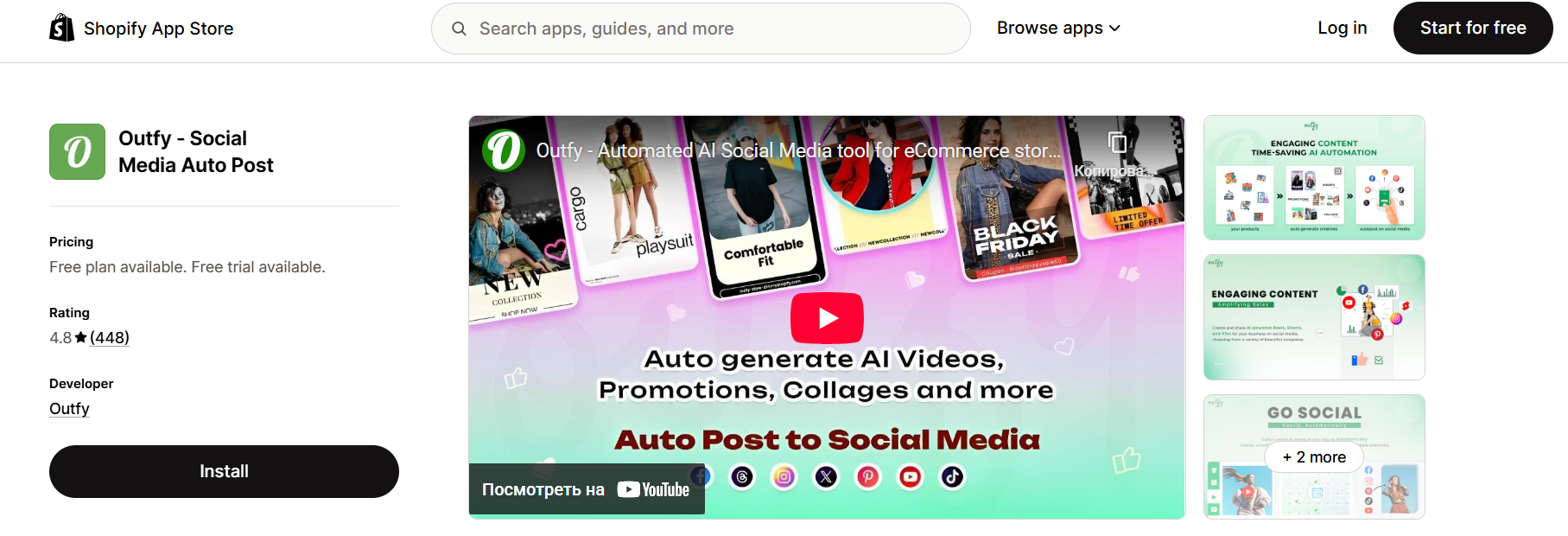
Pricing Plans:
Free Plan – 1 post per day
Starter – $20/month
Pro – $40/month
Ultimate – $70/month
Rating: ⭐️ 4.8/5
Why it's great:
Best visual automation tool among Shopify social media apps, especially for brands in fashion, home decor, and lifestyle.
3. Facebook & Instagram by Meta
This official integration by Meta allows you to sync products, manage ad campaigns, and run dynamic Facebook and Instagram shops, all from inside Shopify.
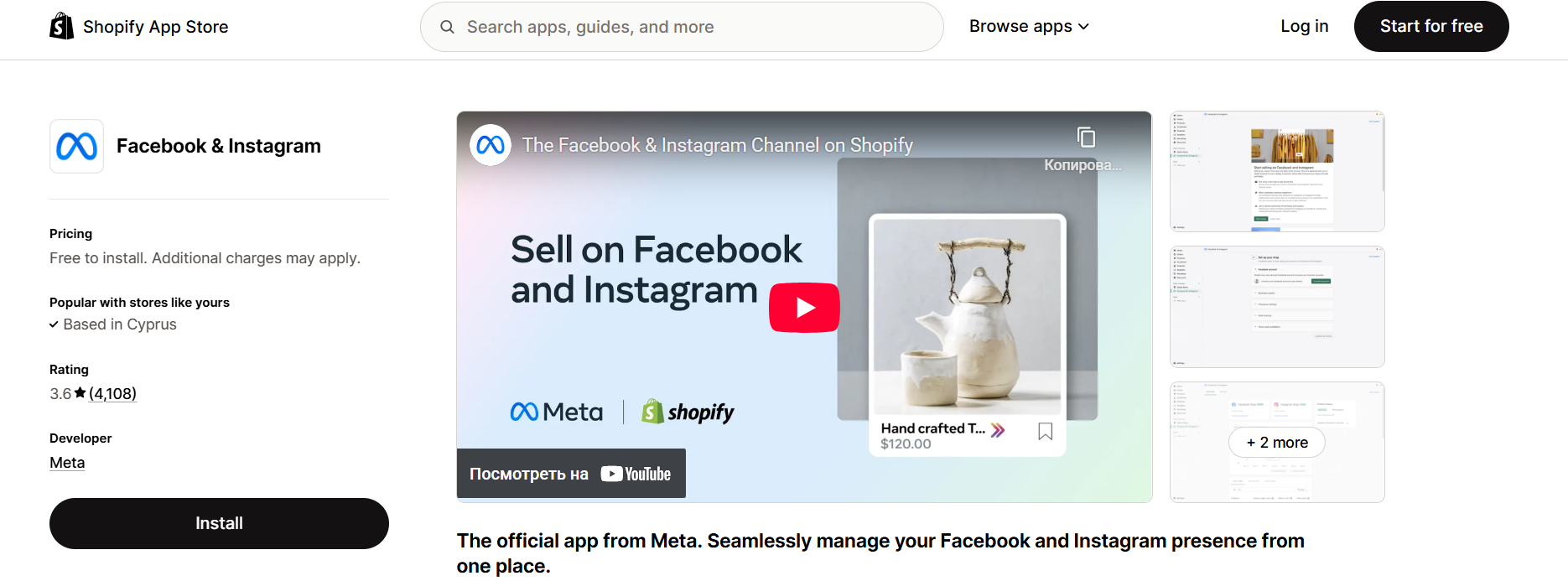
Pricing Plans:
Completely Free to Install
Costs come from your Facebook Ad budget, not the app itself
Rating: ⭐️ 3.6/5
Why it's a must-have:
If you’re running Meta ads, this is a non-negotiable social media Shopify app. It’s fully backed and maintained by Meta itself.
4. Post Studio
Designed for simple, consistent posting, Post Studio offers pre-designed templates and automated product posting to your channels.
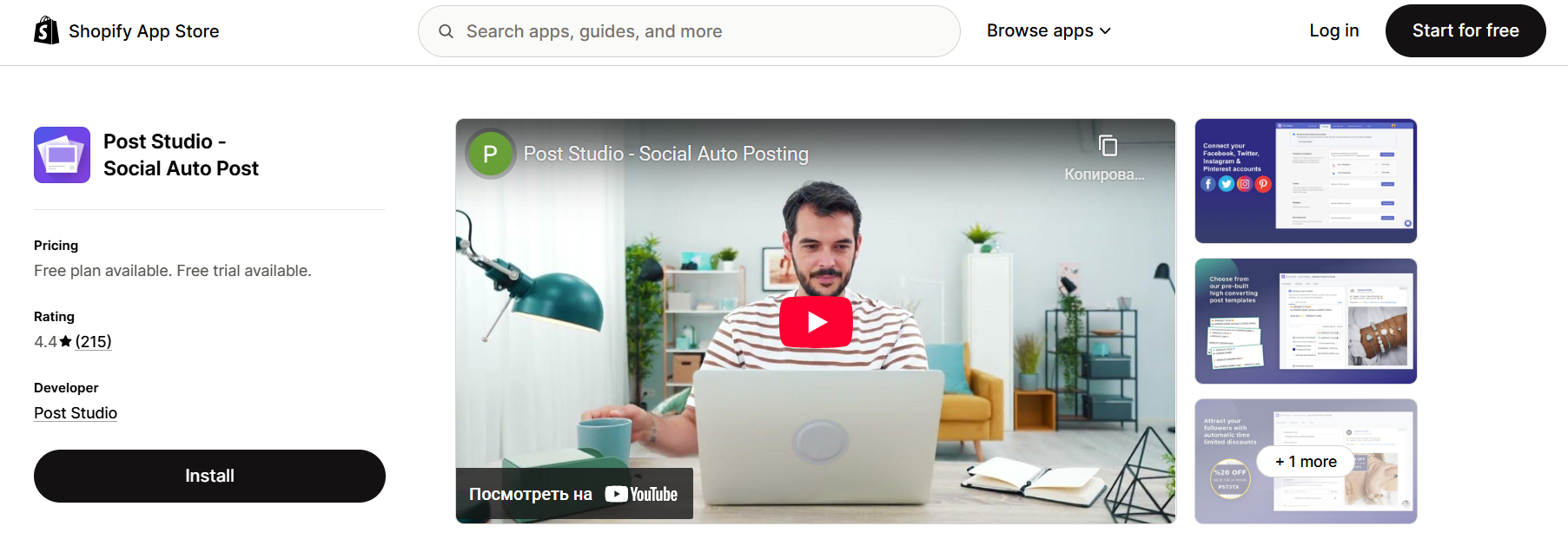
Pricing Plans:
Free Plan – 1 daily post
Pro – $7.99/month
Unlimited – $19.99/month
Rating: ⭐️ 4.4/5
Why users love it:
Simple, efficient, and does the job with minimal setup. Perfect for beginners or store owners with little time.
5. Pinterest
This official integration lets you connect your product feed to Pinterest, auto-publish Pins, and track performance of both organic and paid campaigns.
Pricing Plans:
Free to Install
You’ll pay for Pinterest Ads separately (optional)
Rating: ⭐️ 4.2/5
Why it’s powerful:
Pinterest remains a top traffic generator for evergreen content like home decor, recipes, DIY, fashion, and more. This Shopify social media app puts you right in front of active shoppers.
6. Sauce
Turns your Instagram feed into a shoppable experience by linking product tags to your posts. Great for visually-driven brands.
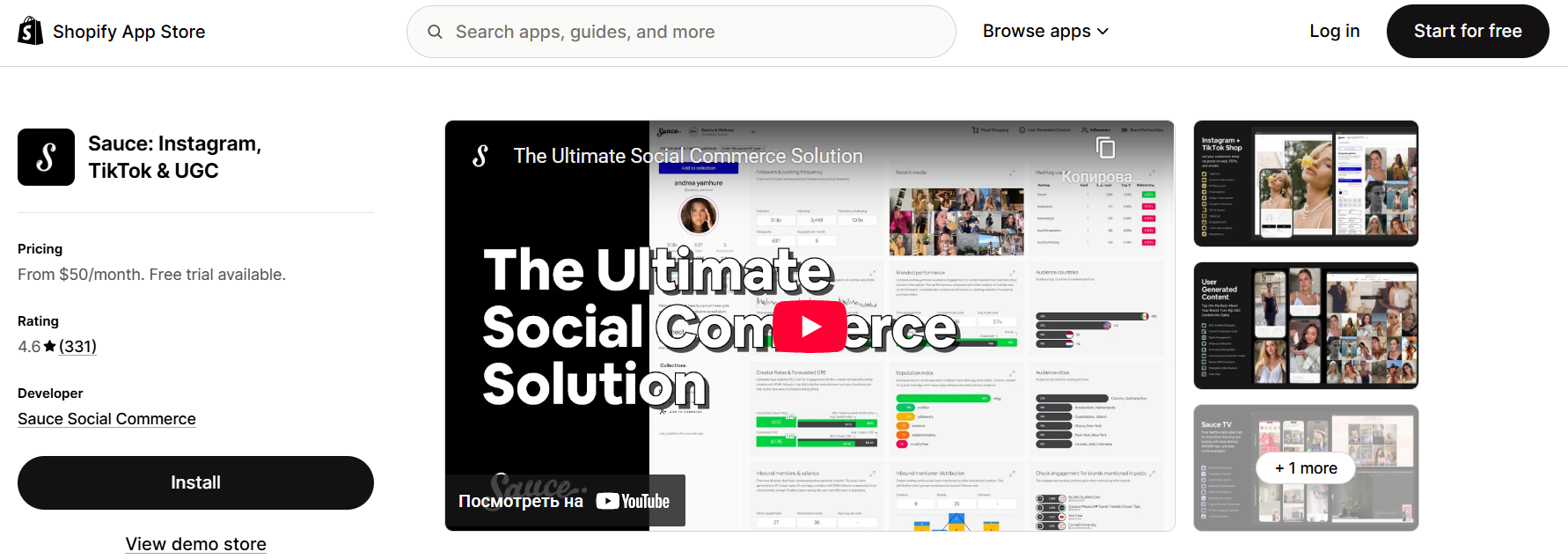
Pricing Plans:
Essentials – $50/month
Standard – $200/month
Prime – $600/month
Enterprise – $2000/month
Rating: ⭐️ 4.6/5
Why it’s ideal:
If you rely heavily on Instagram influencers or UGC, this app helps convert that traffic directly into sales on your store.
Benefits of Using Social Media Shopify Apps
Why should you even bother using a social media Shopify app? It’s simple. These apps save you time, increase visibility, and drive conversions like crazy.
Here’s how:
Automated Content Posting: You can schedule your posts across platforms like Facebook, Instagram, Twitter, and TikTok without juggling multiple tools.
Consistency is King: Staying consistent with posts helps build brand trust. These apps make sure you never miss a beat.
Engagement Made Easy: Many Shopify social media apps let you respond to DMs and comments from a single dashboard.
Analytics and Insights: See what’s working and double down on it. Track performance like reach, engagement, clicks, and conversions.
Sales Integration: Some apps allow you to create shoppable posts so users can buy without ever leaving the social app.
In short, a good social media app for Shopify can transform your marketing strategy and help you connect with your audience in a real, authentic way.
How to Choose the Right Social Media App for Shopify
With so many options out there, choosing the right app might feel overwhelming. But don’t worry, we've got a few pointers:
Platform Support: Make sure the app supports all the platforms where your target audience hangs out. Instagram? Check. TikTok? Definitely.
Automation Capabilities: Look for features like bulk scheduling, auto-posting of products, and content curation.
Ease of Use: The best apps are intuitive and don’t require a steep learning curve.
Pricing: Freemium models are great, but make sure the premium version is worth the investment.
Customer Support: When things go sideways, you’ll want fast, helpful support.
Integration: It should sync smoothly with your Shopify store, pulling product images and descriptions without a hitch.
Tips to Maximize Social Media Integration on Shopify
Now that you know the best apps available, it’s time to make them work for you. Installing a social media Shopify app is just the start. Here are proven strategies to get the most out of your investment:
1. Be Consistent, But Not Robotic
Posting daily doesn’t mean spamming. Find your store’s tone and rhythm. Use automation to post regularly, but make sure your content feels natural. Apps like AutoPost and Later let you set a schedule and rotate content types – product posts, tips, testimonials, memes, and more.
2. Focus on High-Quality Visuals
Social media is a visual-first platform. Your product photos must be scroll-stopping. Use apps like Outfy or SNPT to create eye-catching visuals, slideshows, and branded videos. High-quality images and engaging captions increase click-through and conversion rates.
3. Use Hashtags Wisely
Most Shopify social media apps now offer AI-generated hashtag suggestions. Don’t ignore them! Hashtags are like little highways that lead people to your content. Use a mix of popular, niche, and branded hashtags.
4. Don’t Just Post – Engage
Engagement is currency on social platforms. When someone comments or DMs, reply quickly. Use apps that allow engagement management (like Hootsuite or Buffer) so you never miss a message, mention, or opportunity.
5. Run Targeted Campaigns
Apps like Meta’s Facebook & Instagram or Pinterest for Shopify allow you to run paid ad campaigns directly. Promote a best-selling product, a flash sale, or new arrivals. Start with a small daily budget and test different creatives.
6. Track, Analyze, Adjust
Don’t just post and pray. Review your analytics weekly. Which posts are converting? Which platforms are driving traffic? Apps like AutoPost and Later offer performance tracking dashboards. Use the data to double down on what’s working.
By following these tips, you won’t just be "on" social media – you’ll be winning on it.
Conclusion
If you’re running a Shopify store in 2026, integrating with social media isn’t optional – it’s a must. But doing it manually is a one-way ticket to burnout and inconsistency. That’s why you need powerful social media Shopify apps.
From automation and analytics to engagement and shoppable feeds, the tools available today can help you connect, convert, and grow like never before. Whether you’re a solopreneur, a dropshipper, or a growing DTC brand, there’s a social media app for Shopify perfectly tailored to your needs.
But here’s the real secret sauce: If you want a tailor-made solution, something beyond cookie-cutter apps – maybe a custom dashboard, unique automation logic, or even an entirely new social media app for Shopify – you need expert developers who understand both the Shopify ecosystem and your business goals.
That’s exactly where our Shopify app development service comes in.
We specialize in building custom Shopify apps that align perfectly with your brand’s identity, growth strategy, and technical needs. Whether you need to tweak an existing app, build a private app for internal use, or launch the next big public app on the Shopify App Store – we’ve got your back.
So if you’re ready to level up your store and dominate social media with precision tools built just for you – get in touch with us today. Let’s build something amazing together.
Frequently Asked Questions
Several apps offer solid free plans, including AutoPost, Post Studio, and Pinterest. These let you schedule posts and sync products without spending a dime.
Yes! Apps like AutoPost let you post to Facebook, Instagram, Twitter, LinkedIn, and more from a single dashboard.
Absolutely. Apps like Outfy and Sauce allow you to create and post short videos, GIFs, and reels optimized for platforms like TikTok and Instagram.
Not significantly. Most Shopify social media apps run in the backend or through APIs and won't impact your page load times. Just avoid overloading your store with too many apps at once.
At a minimum, 3-5 times a week. Use scheduling features to plan content ahead and maintain a consistent posting rhythm. Let automation work while you focus on growth.